
Add your pet to a family photo
If your dog or cat passed away before you took a family photo together, you can add them into one you already have. Upload the family photo and one to three photos of your pet. Try it free below.
Try it free
A real example
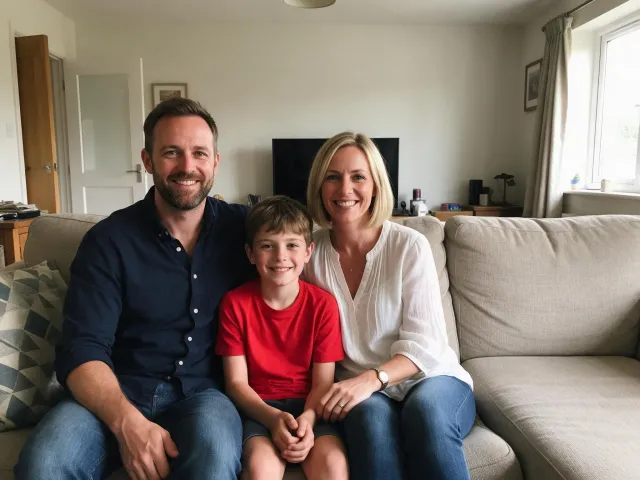
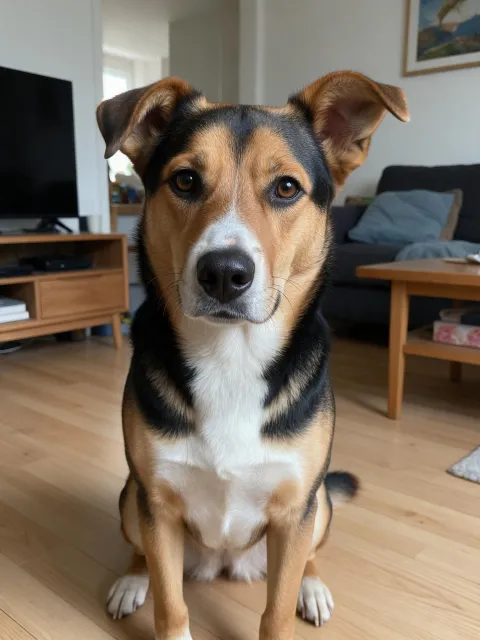
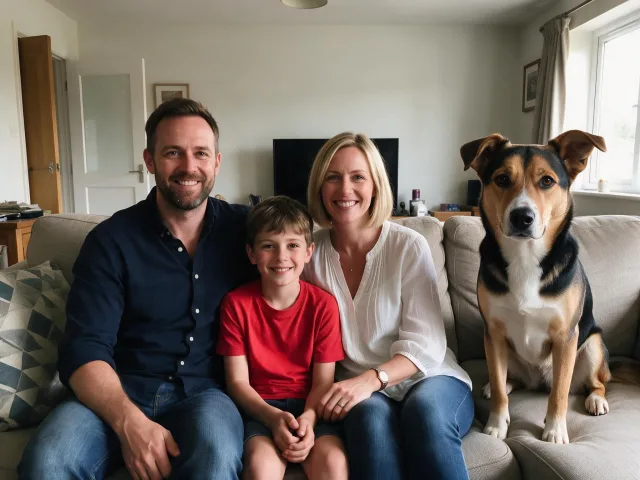
These sample photos are AI-generated stand-ins that we use to test MakeMidas, not customer photos. Your portrait is made the same way from your own photos, and it is never shown to anyone else.
How it works
1
Add your photos
Sign in and add clear phone photos. Every account gets free credits each day.
2
See your portrait
Check that it looks like your pet. Free-credit portraits carry a watermark.
3
Download in HD
Subscribe or buy a credit pack and every portrait comes without the watermark.
What you get
| Free credits | 10 credits every day, reset at midnight UTC. Free portraits carry a watermark. |
|---|---|
| HD file | Full-resolution image at 2K, in a 4:3 landscape shape, with no watermark. |
| Price | 10 credits a portrait, less on a subscription. Plans are monthly or yearly; credit packs are one-time. |
| How you can use it | On a paid plan or with bought credits: any purpose, personal or commercial. Free-credit portraits are for personal use. |
| Account | Needed: credits and portraits are kept in your account. |
Questions
Can I add a pet who has died to a family photo?
Yes. That is what this tool is for: MakeMidas adds a pet who has passed into a family photo you already have, so the whole family is in one picture. Upload the family photo and one to three of your favorite photos of your pet.
Will the people in my photo change?
We ask the AI to keep everyone in your family photo as they are, including faces, clothing and background, and only add your pet. Try it first with your free credits.
My pet's photos are old or blurry. Will it work?
Use the clearest photos you have. You can add up to three photos of your pet from different angles, which helps the AI get their look right.
Where will my pet be in the photo?
You choose: beside the family, at their feet, or on someone's lap.
Will it still look like my pet?
MakeMidas asks the AI to keep your pet's face, ear shape, fur colors, markings and eye color. Try it first with the free credits every account gets each day.
What do I get on a paid plan?
Every portrait as a full-resolution image file without the watermark, ready to download, plus the image and video generator with every model.