
AI image to image
Upload a reference picture and add a prompt to change the style, fix details or redraw it, keeping the composition.
- Reference images
- Restyle
- Keep the subject
- Several references
Made with MakeMidas
Real results from the models on this site, with the prompts that made them.
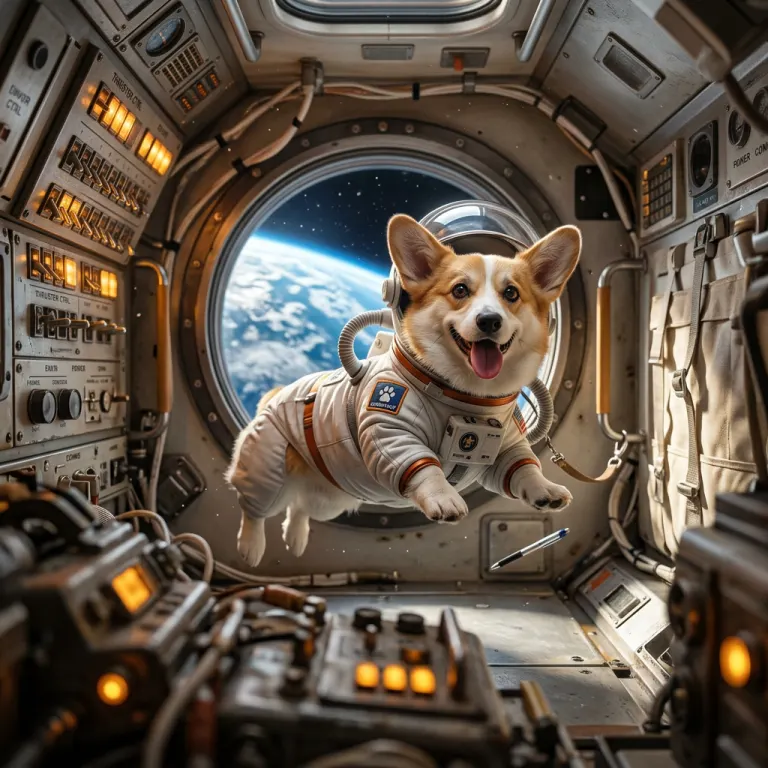
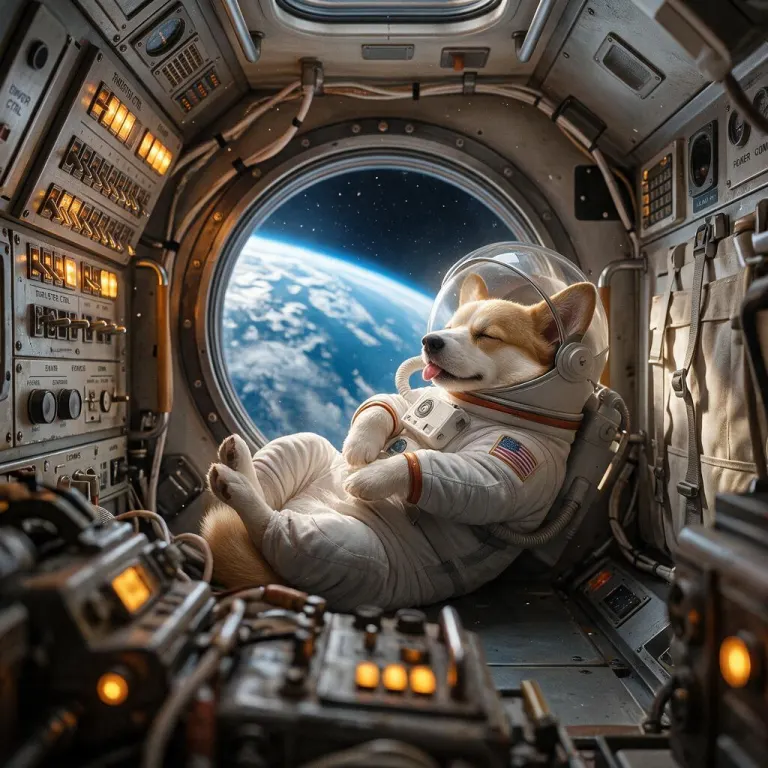
“the same corgi astronaut asleep and curled up in the same spaceship cabin, keep the suit and the window”
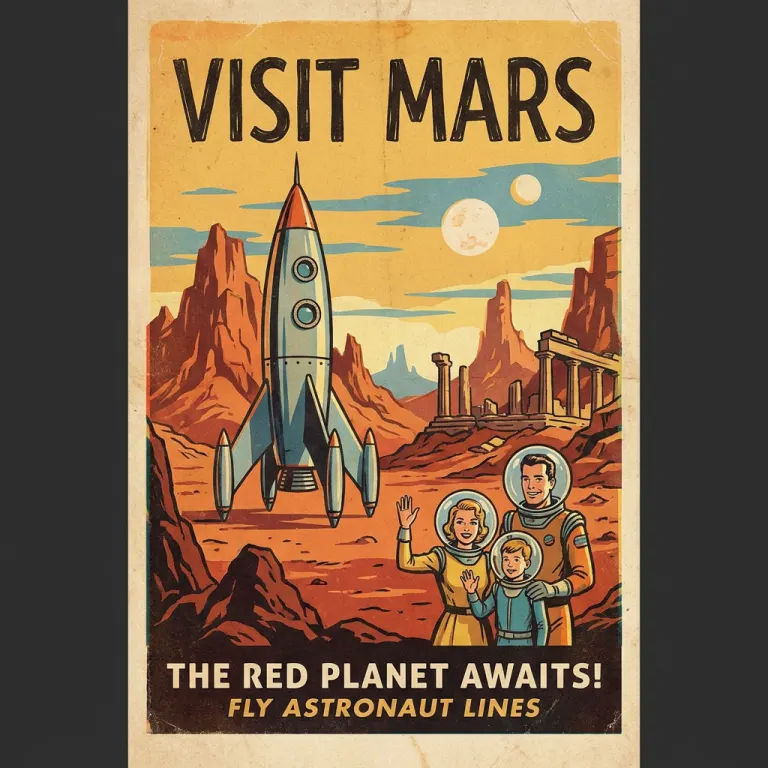
a vintage travel poster that says "VISIT MARS" in bold letters, retro rocket
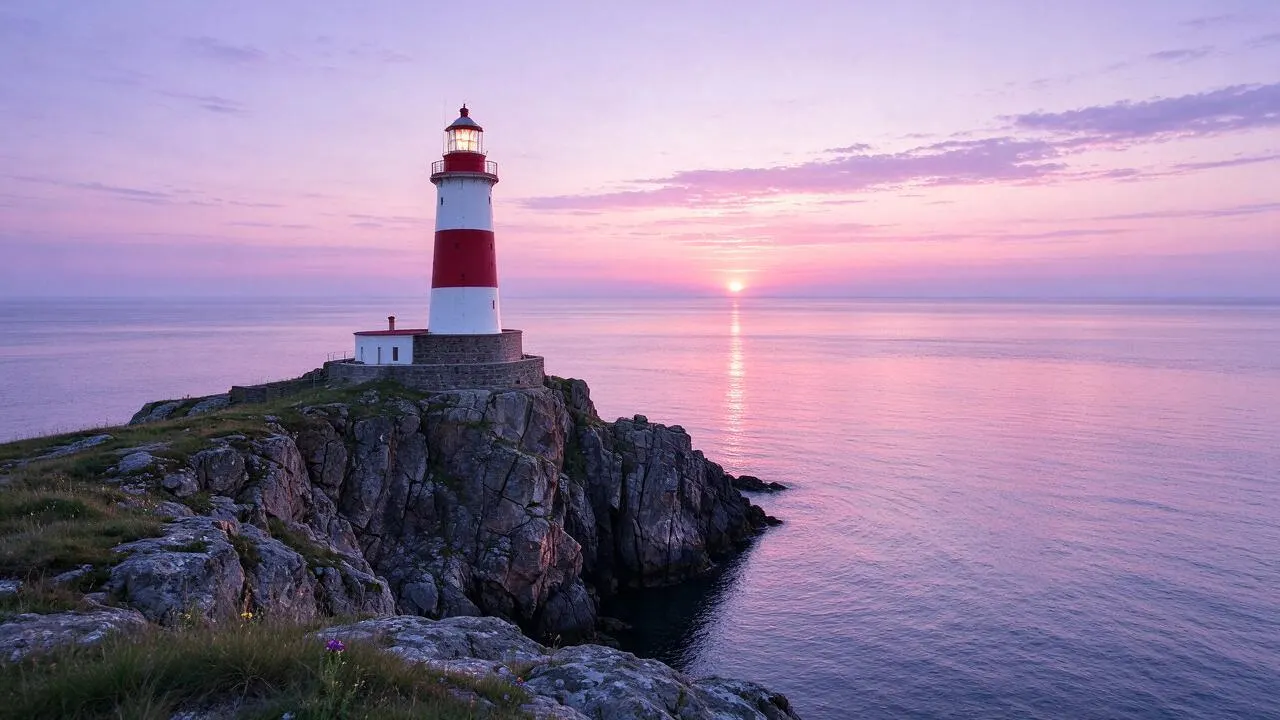
a red and white lighthouse on a rocky cliff at dawn, calm sea, soft pink sky
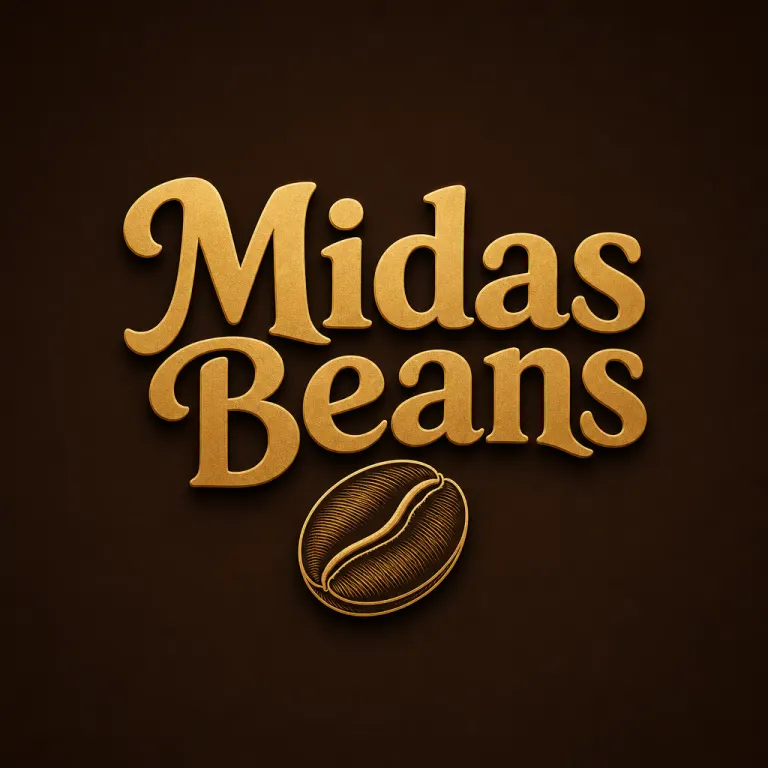
coffee shop logo with the words "Midas Beans"
Popular models
GPT Image 2Precise prompts, clear text and product layouts.
From 30 credits per image
Nano Banana 2Blends several references and holds a style well.
From 25 credits per image
Seedream 5.0 ProCinematic realism with strong light and detail.
From 25 credits per image
Seedream 5.0 FlashFast and low cost; the model free credits can use.
From 10 credits per image
Pet portrait templates
Upload one pet photo, pick a template, no prompt needed.
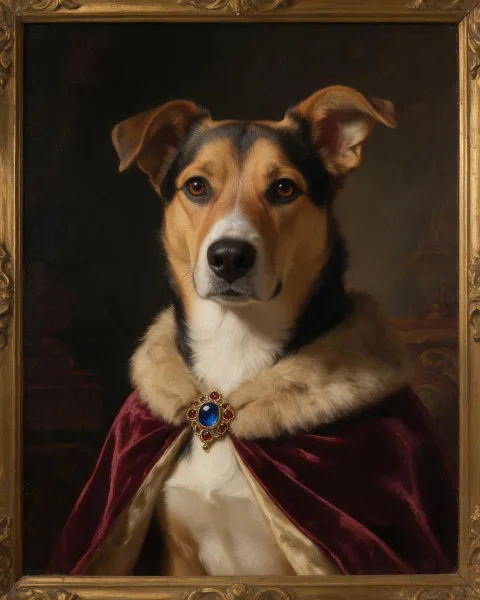
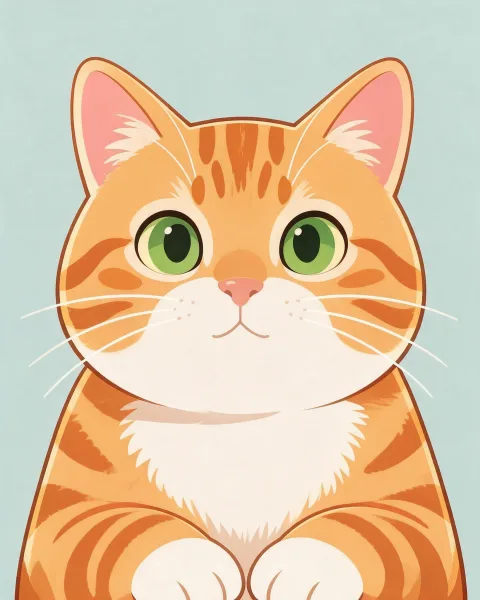
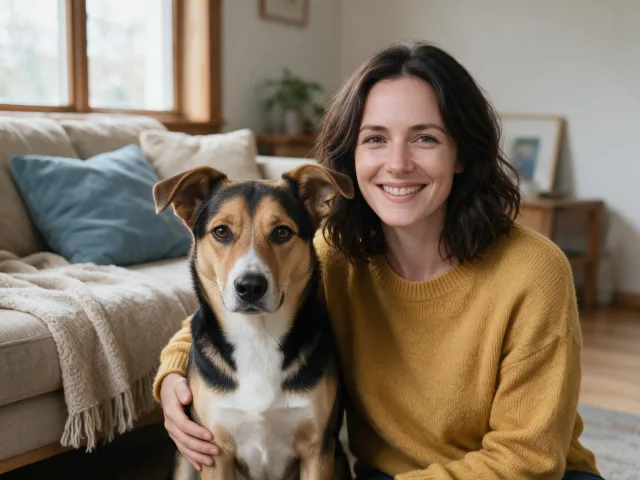
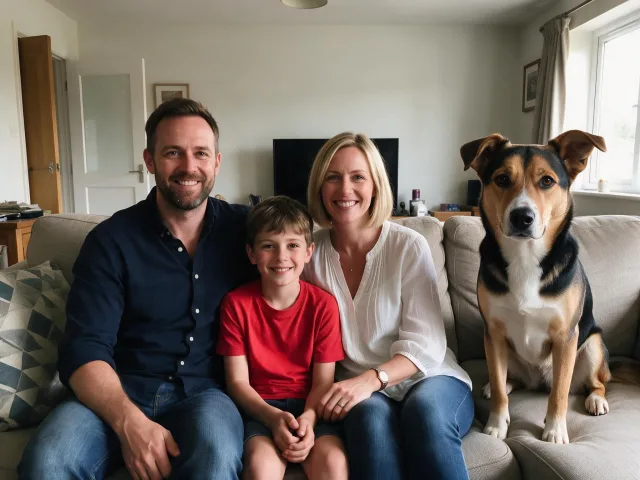
Turn a reference into a new version
Switch between GPT Image 2, Nano Banana 2 and Seedream 5.0 in one generator. Upload a picture and rewrite its style, light, background and details with a prompt.
Styles without writing prompts
Pick a style such as watercolor, anime or cinematic and it is added for you. Turn on AI enhance and a short description is filled out into a full prompt.
Keep the subject, rewrite the scene
The model follows the people, products, composition and perspective in your picture, then changes season, material, light or background. Say what must stay the same in the prompt to reduce drift.
Blend several references
On models that take several images, upload a person, an outfit, a product or a background separately and describe how to combine them. Any result can go straight back in as a reference or become a video.
Keep creating
One account, one credit balance for images, video and pet portraits.
Choose your plan
Free credits carry a watermark. A plan or credit pack gives clean output, every model and commercial use.
Pro
Billed monthly
Unlock every model, with member discounts
- MiniMax-70%
- Gemini
- Nano Banana
- GPT-50%
- Seedream-40%
- Veo
- Seedance
- Kling
- Grok
- Wan
- 2,000 credits every month
- Up to 333 images
- Up to 83 short videos
- 2 generations at once
- No watermark
- Make up to 4 at a time
- Every image and video model
- Commercial use
Ultimate
Billed monthly
Unlock every model, with member discounts
- MiniMax-70%
- Gemini
- Nano Banana
- GPT-50%
- Seedream-40%
- Veo
- Seedance
- Kling
- Grok
- Wan
- 5,000 credits every month
- Up to 833 images
- Up to 208 short videos
- 4 generations at once
- No watermark
- Make up to 4 at a time
- Every image and video model
- Commercial use
Max
Billed monthly
Unlock every model, with member discounts
- MiniMax-70%
- Gemini
- Nano Banana
- GPT-50%
- Seedream-40%
- Veo
- Seedance
- Kling
- Grok
- Wan
- 10,000 credits every month
- Up to 1,666 images
- Up to 416 short videos
- 6 generations at once
- No watermark
- Make up to 4 at a time
- Every image and video model
- Commercial use
Questions
What is AI image to image?
You upload one or more reference pictures and use a prompt to control style, details, scene and light. It suits redrawing a picture while keeping its subject or composition.
What does it keep from my picture?
Models try to keep the subject, pose, composition, colors or style, but not every detail is guaranteed. The clearer you are about what to keep and what to change, the steadier the result.
Can I upload several references?
Yes. The generator shows how many images the chosen model takes. You can also drag images onto the generator or paste them into the prompt box.
How do I keep a person, product or character consistent?
Use clear, unobstructed references and name what must stay: the face, outfit, product shape, brand colors or character traits. Complex details may need a few tries.
Which models are supported?
GPT Image 2, Nano Banana 2, Nano Banana Pro, Seedream 5.0 Pro and Flash, Seedream 4.5 and Grok Imagine. Each suits different work, such as multi-image blends, realistic redraws or product shots.
What is the difference between free and paid?
Every signed-in account gets free credits each day for the free image model; those images carry a watermark and are for personal use. A plan or credit pack unlocks every image and video model, several outputs at once and clean files. Subscribers also get discounts on some model families.
Can I use the results commercially?
Yes, results made on a paid plan or with bought credits can be used commercially. Free-credit results are for personal use. You can also reuse any result as a reference, turn it into a video, or download it.