
AI character generator
Describe a character, such as an anime OC, a fantasy hero or a brand mascot, and see it in seconds. Save the images you like as a character, then put the same face, outfit and style into new scenes, short videos and talking avatars.
- Text to character
- Up to 10 images per character
- Reuse in images, video and avatars
- From 5 credits an image
Made with MakeMidas
Real results from the models on this site, with the prompts that made them.
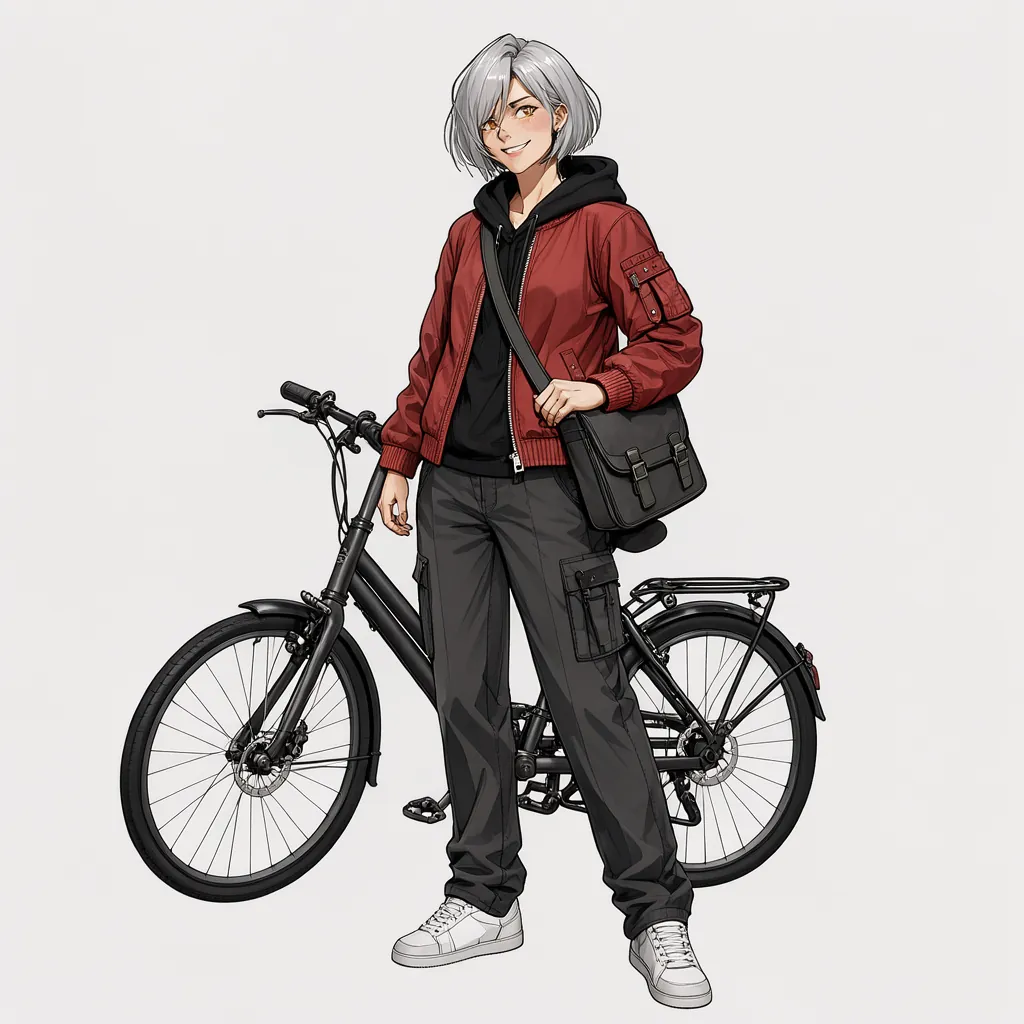
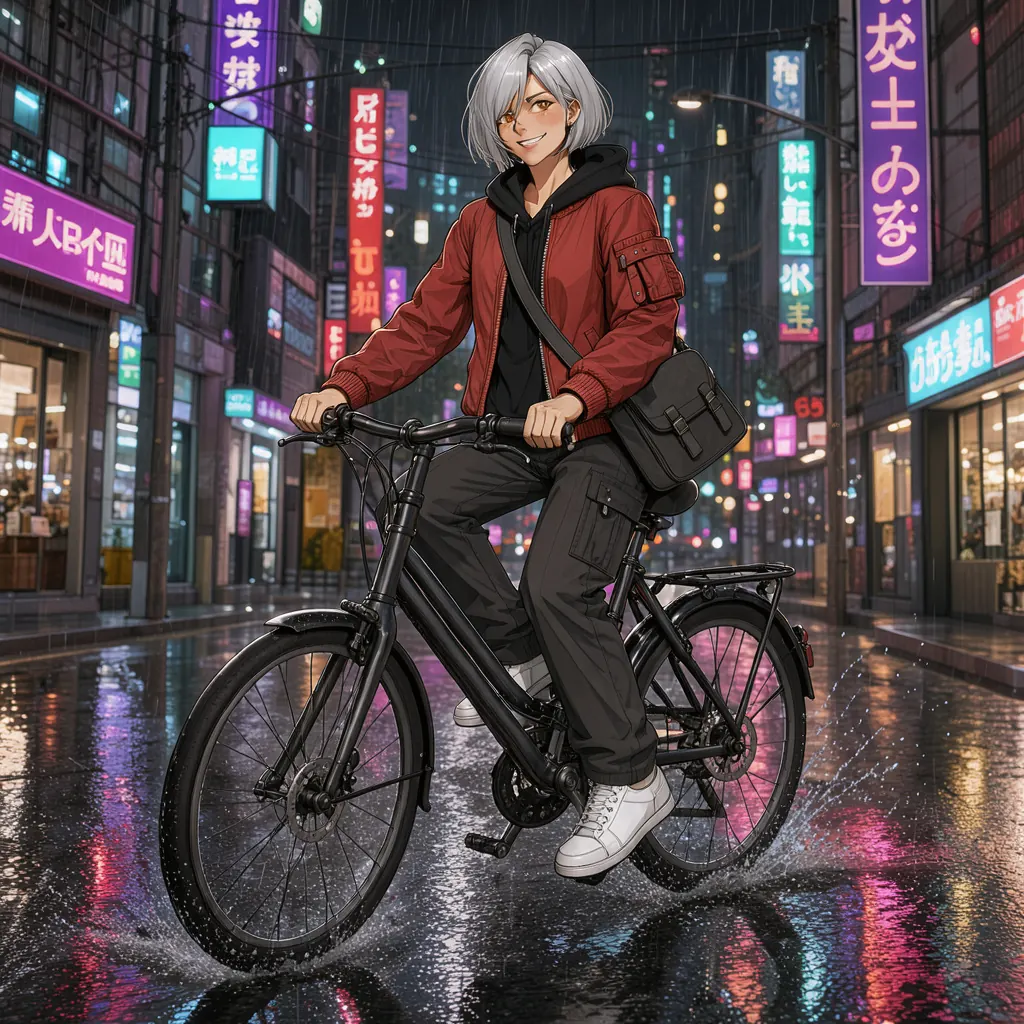
“The same silver-haired courier in the same red bomber jacket, black hoodie and messenger bag, now riding her bike through a rainy neon-lit city street at night, reflections on the wet asphalt, glowing shop signs blurred behind her, clean cel shading”
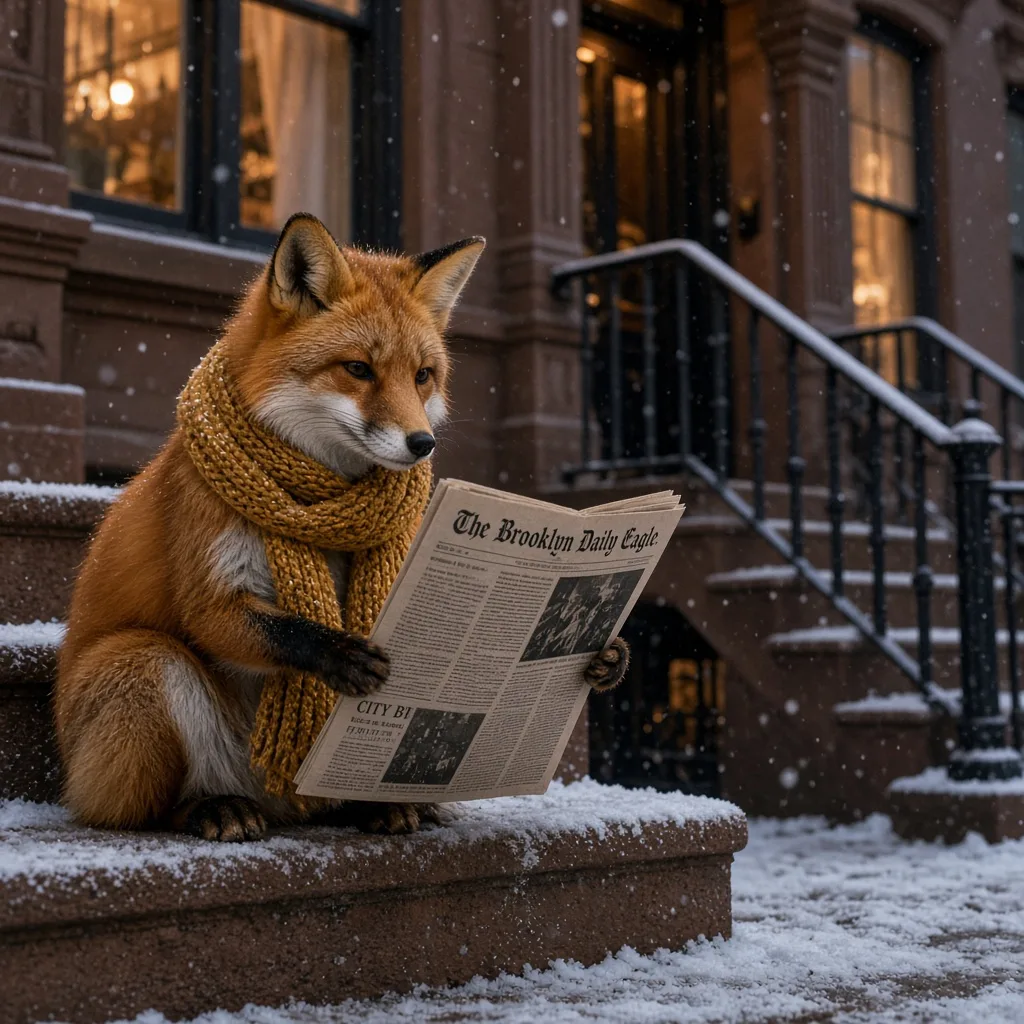
A red fox in a mustard knitted scarf reading a folded newspaper on a snowy Brooklyn brownstone stoop at dusk, warm window light behind, falling snowflakes, cinematic 35mm still, shallow depth of field
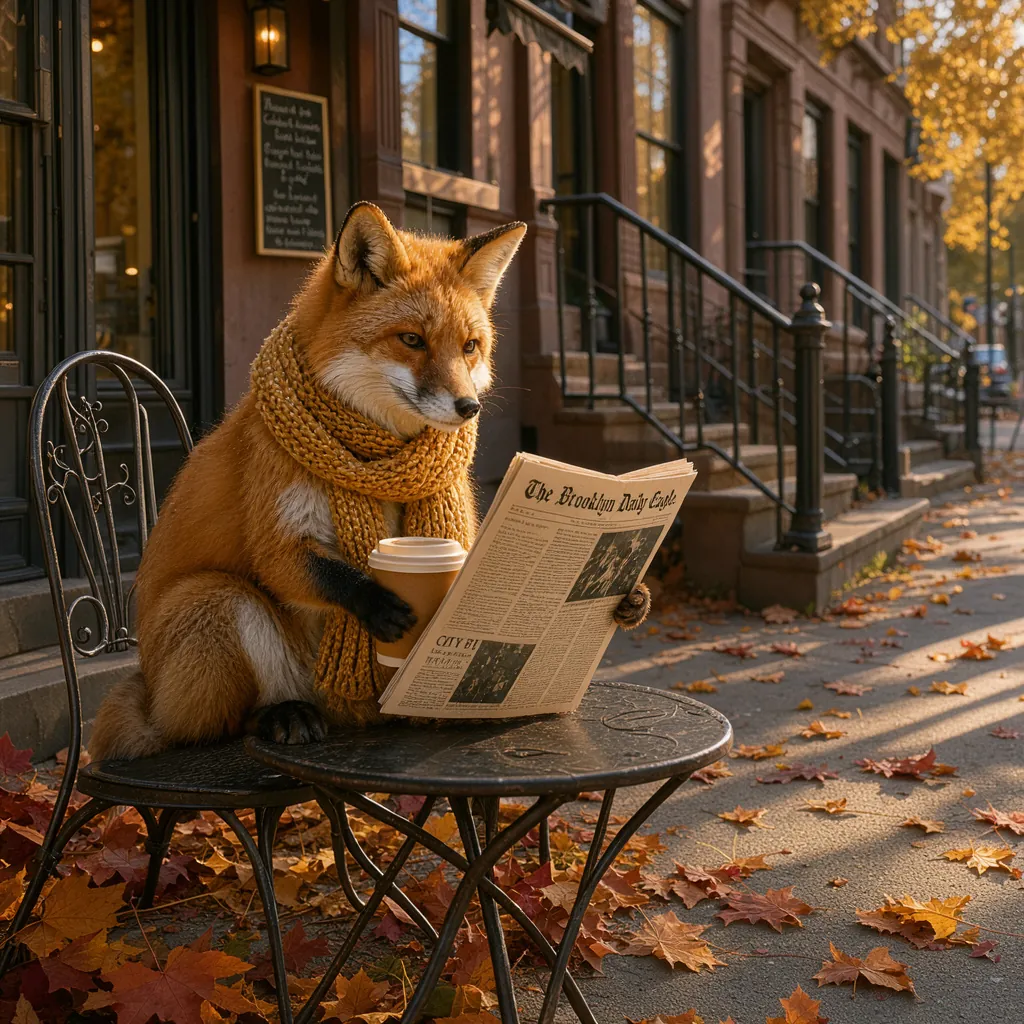
The same red fox in the same chunky knitted mustard scarf, now sitting at a small round table outside a Brooklyn corner cafe on a crisp autumn morning, holding a paper cup of coffee in one paw and the folded newspaper in the other. Warm low sunlight, fallen maple leaves on the sidewalk, brownstones softly out of focus behind, shallow depth of field, photorealistic fur detail, cinematic 35mm look.
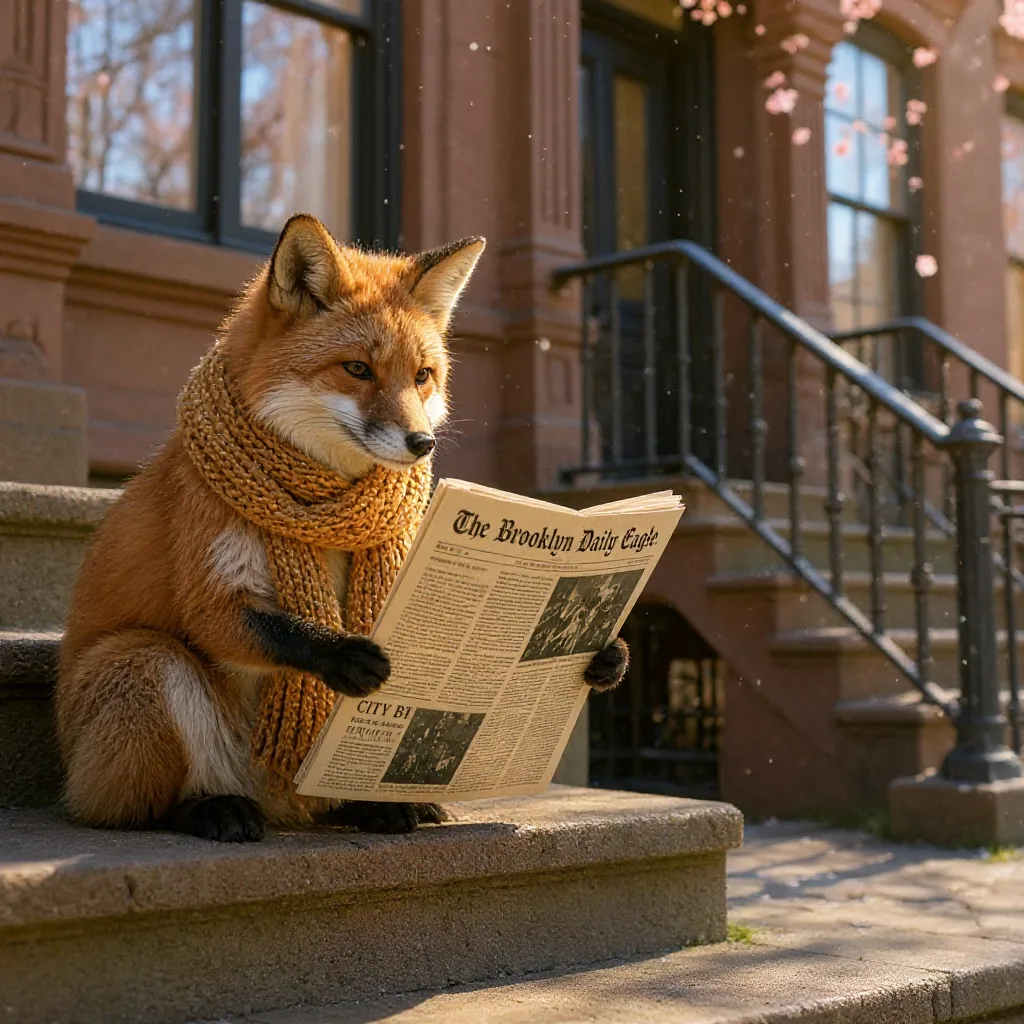
Make it a sunny spring morning: keep the same fox, scarf, newspaper and pose exactly, melt all the snow, add pink cherry blossoms drifting down and soft golden sunlight on the brownstone
A generated late-night radio host lip-synced by Kling AI Avatar 2.0 to a Gemini voiceover ("It's almost midnight, and the city finally exhales.")
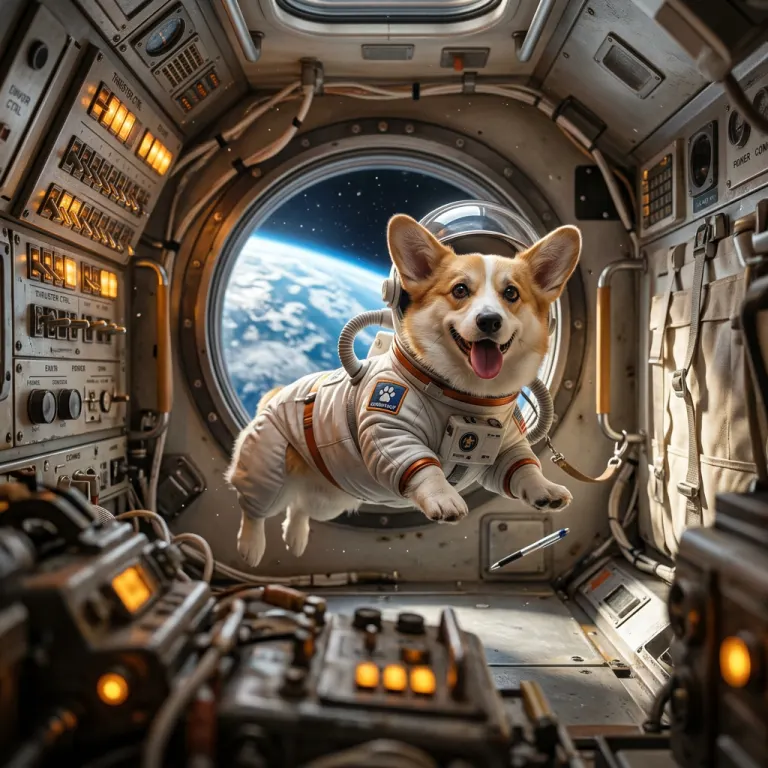
a corgi astronaut floating inside a spaceship cabin, Earth in the window
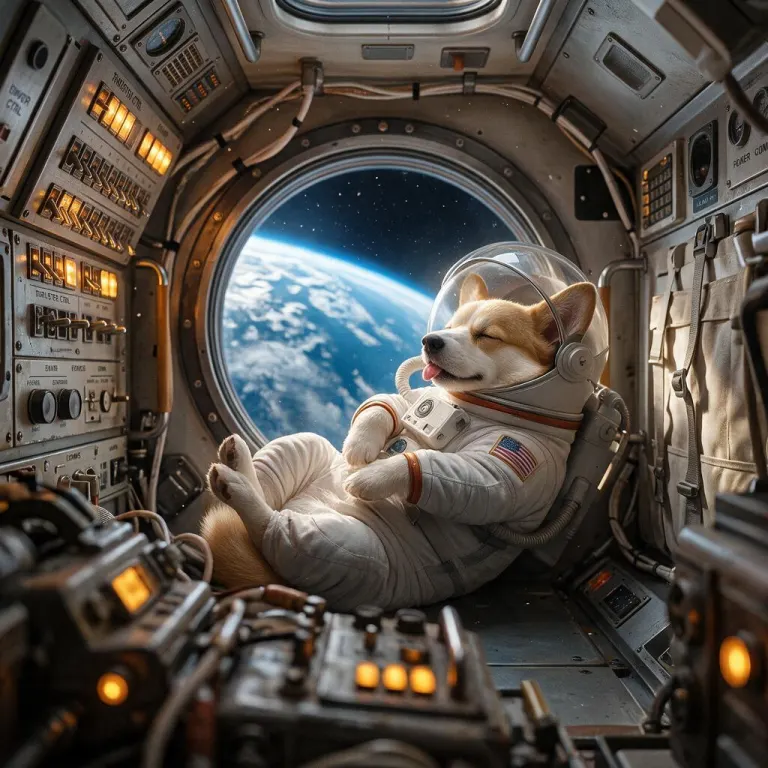
the same corgi astronaut asleep and curled up in the same spaceship cabin, keep the suit and the window
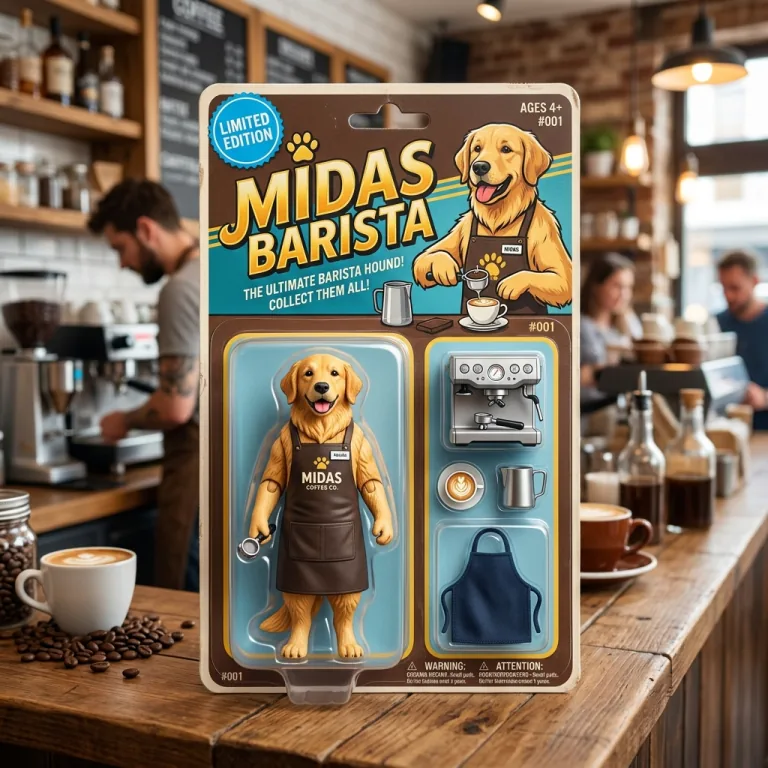
a collectible action figure of a golden retriever barista sealed in a retro blister pack, accessories in molded slots: a tiny espresso machine, a latte cup, a milk jug and an apron, the card header reads "MIDAS BARISTA" with a "LIMITED EDITION" badge, glossy toy store product photo
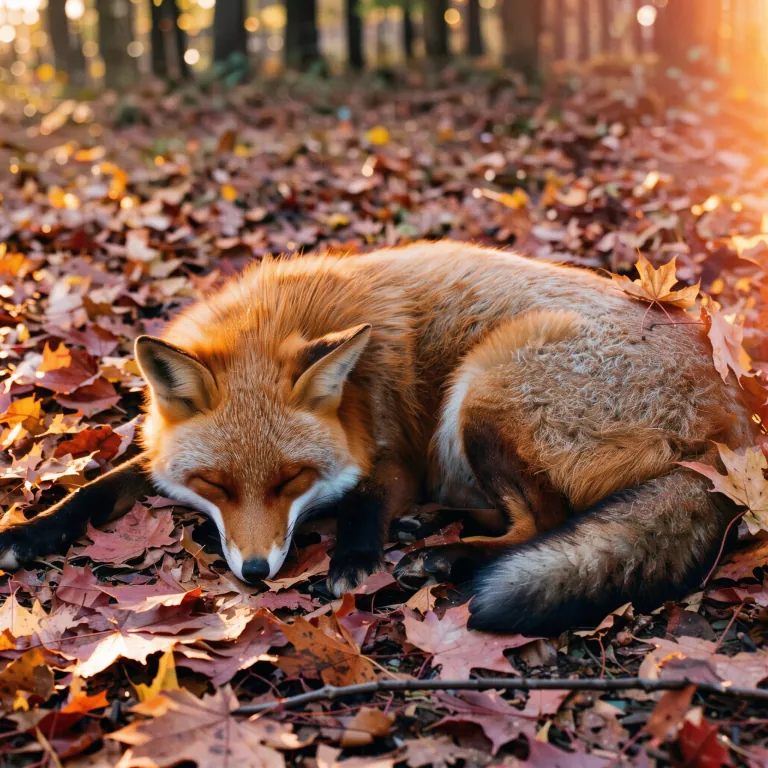
vintage 35mm film photo of a red fox curled up asleep in a drift of fallen maple leaves at golden hour, shallow depth of field, Kodak Portra 400 grain, a soft light leak in the corner
How to create a consistent AI character
Three steps take a character from one prompt to a cast you can use anywhere on MakeMidas.
- 1
Describe your character
Write who they are and how they look: age, face, hair, outfit, colors and art style. Generate a few versions, or a character sheet with front, side and back views, until one feels right.
- 2
Save it as a character
Hover over a result and choose Save to character. A character holds up to 10 reference images and a short note, and stays in your account until you delete it.
- 3
Use it in any scene
In the image generator, the video generator or the talking avatar, click Character and pick it. Its images go with your prompt as references or frames, so the new scene, clip or talking video keeps the same character.
Popular models
Flux 3 KleinThe cheapest way to try a character: 1K to 4K with up to 10 references. The fox at the cafe above was made with it from a saved character.
About FLUXFrom 5 credits per image
 Nano Banana 2.1
Google's image model, good at keeping a face and an outfit from your references while the scene around them changes.
About Nano BananaFrom 12 credits per image
 Seedream 5.5
ByteDance's model takes up to 10 references at 1K or 2K, a good fit for detailed illustration.
About SeedreamFrom 7 credits per image
 GPT Image 2
Follows long, detailed descriptions closely and draws readable text, handy for character sheets with names and labels.
About GPT ImageFrom 30 credits per image
Original characters in any style
Anime and manga OCs, fantasy and RPG heroes, sci-fi crews, mascots, chibi stickers and photorealistic people. Pick the model that suits the style and write the look in plain words.
The same character in every scene
A saved character sends the same reference images with each prompt, so the face, outfit and colors carry over when you change the place, the pose, the season or the light.
From a picture to video and voice
Animate your character with an image-to-video model such as Kling or Seedance, or give it a voice: the talking avatar lip-syncs its portrait to a voiceover or your own recording.
Characters in your API and AI chats
Your characters are private to your account and work beyond this page: the REST API takes a characterId, and the MakeMidas app in ChatGPT or Claude can list your characters and draw them in new scenes.
Character prompt ideas
Copy a prompt, paste it into the generator above, and change the details to make the character your own.
Anime OC
Anime character design of a woman in her late twenties, a city bike courier with short silver hair, amber eyes and a red bomber jacket over a black hoodie, cargo pants and white sneakers, messenger bag across her chest, confident smile, full body, clean cel shading, plain light gray background
Character sheet: front, side and back
Character reference sheet of a young knight in three views, front, side and back, full body, short brown hair, dented steel breastplate over a green tunic, leather boots, same proportions in every view, flat neutral background, concept art style
Fantasy RPG hero
Portrait of a half-elf ranger for a fantasy RPG, long braided black hair, freckles, a small scar over the left eyebrow, hooded forest-green cloak, longbow on her back, misty pine forest behind, painterly digital art
Brand mascot
Friendly mascot for a coffee brand: a round little coffee bean character with big eyes, tiny arms and a red knitted scarf, waving, simple bold shapes, flat vector style, white background
Realistic AI influencer
Photorealistic portrait of a fictional 30-year-old travel vlogger with curly auburn hair and a faded denim jacket, natural smile, standing on a sunny harbor pier, 35mm photo, shallow depth of field
Chibi sticker
Chibi sticker of a small purple dragon wearing round glasses and hugging a book, thick white outline, soft pastel colors, plain background
Keep creating
One account, one credit balance for images, video and audio.
Choose your plan
A monthly plan or a one-time credit pack gives every model and clean output.
Black Friday: 1,250 credits
- Base credits: 1,000
- Black Friday bonus: 250
- Valid for 12 months
Black Friday: 6,250 credits
- Base credits: 5,250
- Black Friday bonus: 1,000
- Valid for 12 months
Black Friday: 12,500 credits
- Base credits: 11,000
- Black Friday bonus: 1,500
- Valid for 12 months
Black Friday: 31,250 credits
- Base credits: 28,750
- Black Friday bonus: 2,500
- Valid for 12 months
Subscribers get 62,500
- Base credits: 62,500
- Valid for 12 months
Any pack unlocks every model and several outputs at once, even without a subscription.
Questions
What is an AI character generator?
A tool that draws an original character from a written description. Here you describe the character, pick an image model and get a picture in seconds. Save the ones you like as a character and keep using the same character in new images, videos and talking avatars.
How do I keep an AI character consistent?
Save a few images of the character, ideally from different angles, as one character. When you pick it in the generator, those images go with your prompt as references, so the model keeps the face, hair, outfit and colors. Describe only what changes, such as the place, pose or action, and call it "the same character". The models that take all 10 images of a character: Seedream 5.0 Flash, Flux 3 Klein, FLUX 3 Image, Seedream 5.5, Seedream 5.0 Pro, Seedream 5.0 Lite, Seedream 4.5, Nano Banana 2.1, Nano Banana 2, Nano Banana Lite, Nano Banana Pro, GPT Image 2, GPT Image 2.5 Flare, GPT Image 2.5 Sunburst, GPT Image 2.6 Flare, GPT Image 2.6 Sunburst.
Can I make a character sheet?
Yes. Ask for a character reference sheet with front, side and back views on a plain background, like the prompt idea above. Save the sheet, or each view, to the character: more angles give later scenes more to work from.
Can my character move or talk?
Yes. In the Video tab, click Character: its images become the reference images or the first frame of an image-to-video model, and your prompt describes the motion. For a talking video, open the talking avatar in the Edit tab, take the portrait from your character, and add a voice track.
How much does it cost?
Images are priced per picture by model and size, from 5 credits; the generator shows the price before you start. Saving characters is free. A new account gets 50 credits once its email is verified, enough to design a first character and try it in a few scenes.
Can I use my own drawing or photo as the character?
Yes. On the Characters page in your account, create a character and upload 1 to 10 JPG, PNG or WebP images, such as your own artwork or photos of yourself. Use photos of other people only with their permission.
What do I get with a plan or a credit pack?
No watermark, on new images and on the ones you made before paying, and several outputs at once. Plans add monthly credits that roll over, more generations running at once and full privacy.
Can I use the results commercially?
The license of the model you used decides; MakeMidas adds no limits of its own. You can also reuse any result as a reference, turn it into a video, or download it.